Create a controlled receiving process
Match deliveries to purchase records, inspect exceptions, and approve quantities and costs before posting. AI-assisted extraction can reduce re-entry, but staff must verify the source document and result.
- Assign who can receive and approve
- Record shortages, substitutions, and damage
- Review extracted invoice fields before posting
Use permissions and counts together
Give each employee only the access needed for the role, and review permissions when responsibilities change. Pair system records with targeted cycle counts and documented adjustments.
- Use unique employee access
- Review high-risk adjustments and voids
- Cycle-count valuable or fast-moving items
Review exceptions instead of watching everything
Reports can focus attention on unusual refunds, discounts, voids, price overrides, or inventory changes. Owners should define who reviews exceptions, how often, and what follow-up is appropriate.
- Choose a small set of actionable reports
- Document the reason for corrections
- Separate review from accusation
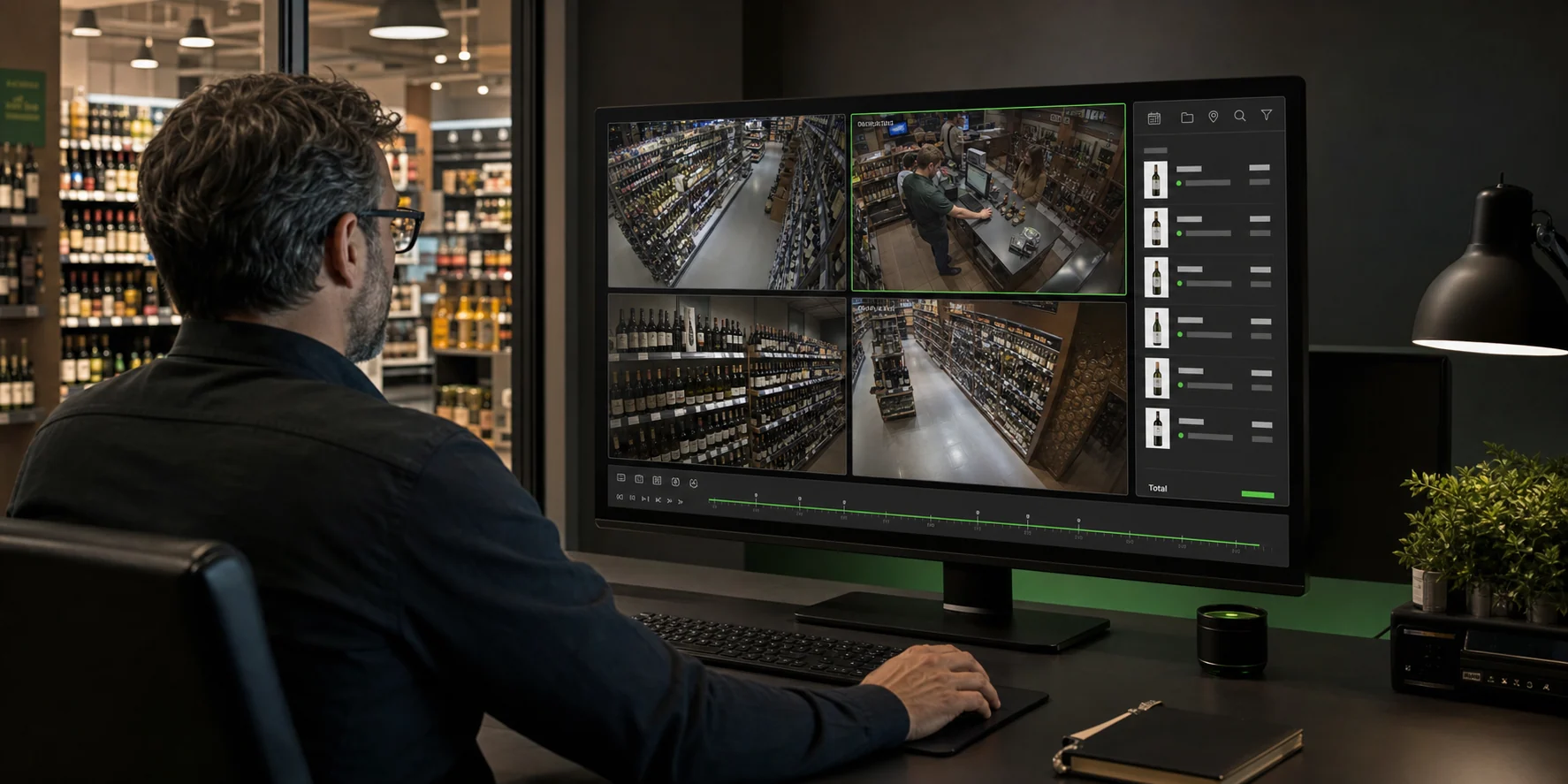
Use video integrations responsibly
Compatible NVR transaction overlays can help locate footage related to a sale, but they do not prevent theft or prove intent. Plan for applicable privacy, notice, access, and retention requirements.
- Confirm POS and NVR compatibility
- Restrict footage and transaction-data access
- Set a lawful retention and review policy
Make the guide specific to your store.
PayLess can review the workflow, questions, and provider details that matter to your decision.
Talk with PayLess