Touchscreen workstation
A readable checkout view sized for the counter and the team's normal reach.
Plan the main register, payment terminal, scanner, drawer, receipt printer, portable checkout, and label workflow as one store system.
Equipment shown is representative. Final models, compatibility, availability, and configuration are confirmed before installation.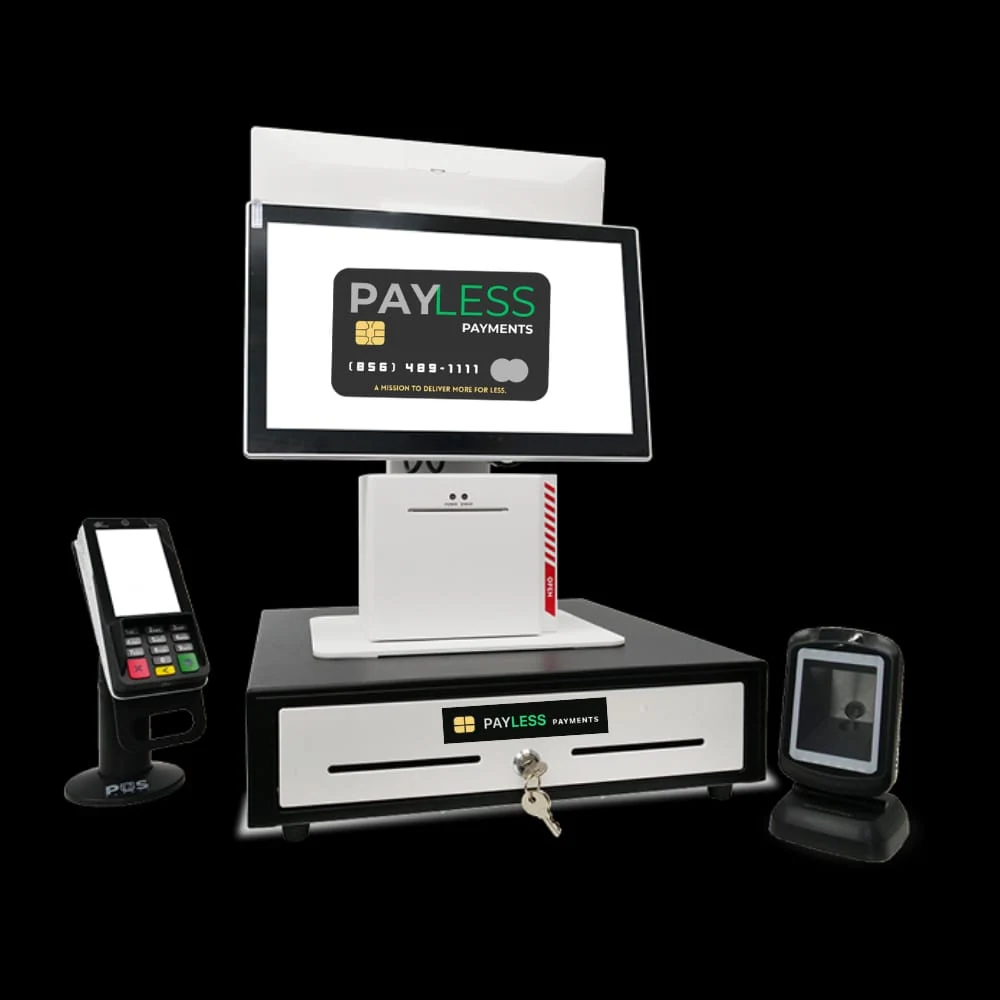 Representative PayLess counter suite
We look at the actual counter, power, network, staff movement, and customer handoff before choosing the equipment.
A readable checkout view sized for the counter and the team's normal reach.
Choose a scanner and placement that match bottles, cartons, small items, and busy baskets.
Plan tap, chip, and swipe workflows around the selected processor and approved equipment.
Separate customer receipts from shelf, bin, product, and operational label needs.
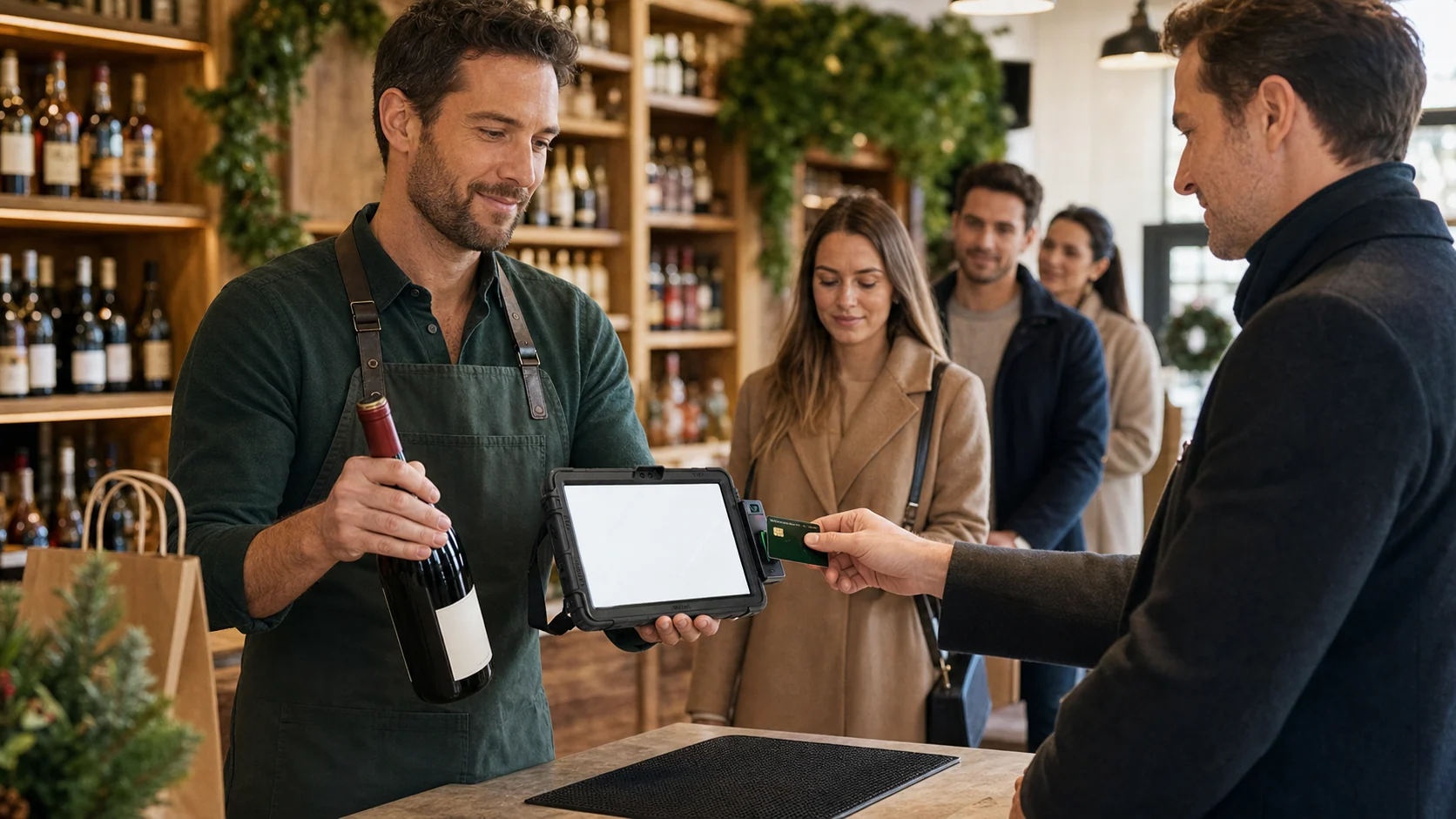 Illustrative PayLess GO POS workflow
During holiday peaks or a sudden rush, a trained staff member can use a configured portable tablet, scanner, and payment terminal near the exit to help eligible card-paying customers and manage foot traffic.
A direct-thermal desktop label printer for compatible shelf, bin, address, product, and operational label workflows—without ink or toner.
Black-and-red printing requires Brother DK-2251 media and runs more slowly than single-color printing. Actual speed varies by conditions.
Read the official Brother details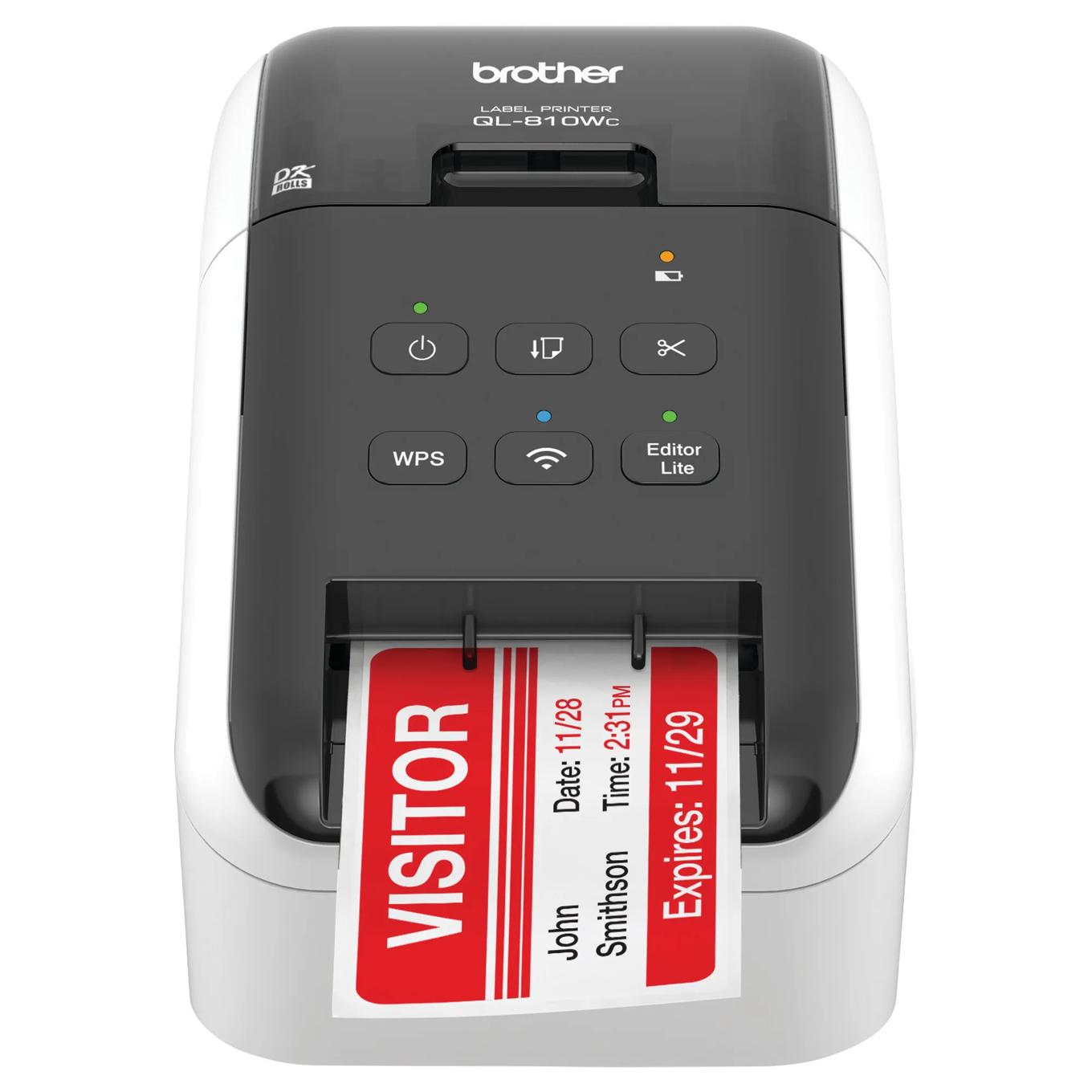 Official manufacturer product image
We can talk through what should stay, what should move, and what needs to change before you buy another device.
Review my hardware setup